
Name-Based Case Searches
Chippewa County runs no docket portal of its own. Start at the MCRO Case Search when the question involves a local district-court case. Narrow the county locations to Chippewa there. Four search modes are offered: Name, Case Number, Citation Number, and Attorney. A name search takes last and first name to start. Add date filed, date of birth, category, or status only if you actually know those details. Narrow terms trim a long result list. A broader statewide sweep helps when the county itself is in doubt.
- Open MCRO Case Search and select the Name option.
- Enter an exact last name and first name, then choose Chippewa under specific county court locations.
- Add a middle name, date range, category, or status only if it distinguishes the case sought.
- Select Find, review the matching results, and open Case Details for the public Register of Actions.
| MCRO field | Type | Required | Chippewa search use |
|---|---|---|---|
| Last, First, Middle Name | Text | Name mode | Start with exact last and first names; add middle name if known. |
| Sounds Like | Option | No | Use for a separate broader name search, not together with a wildcard. |
| Date of Birth / Date Filed | Date or range | No | MCRO uses MM/DD/YYYY formatting. |
| Category / Case Status | Controls | No | Categories include civil, criminal, family, and probate or mental health. |
Note: A pending criminal matter may not surface by defendant name alone. Try a citation, a case number, attorney information, or court administration.
Chippewa County Case Search Name Options
MCRO allows a trailing asterisk wildcard after at least two characters. That helps when a spelling is incomplete. The Sounds Like option widens results to similar-sounding names. These two tools are alternatives, not partners. The official interface refuses a wildcard and Sounds Like in the same search. A sensible Chippewa County sequence: try an exact name with a county filter first. Then drop the middle name, then a permitted wildcard, then a fresh Sounds Like search. Change one thing at a time. Each result set then keeps a clear basis.
A name result is a lead, not an answer. Do not treat a hit as the right Chippewa County matter yet. Compare the case number, case type, filing date, party role, and events. An Open or Closed label is broad status information only. The recorded disposition or judgment, when present, answers a different question.
Case Number Searches
A complete Chippewa County court number is the most direct key for an MCRO search. Official local material carries county code 12. The formats include 12-CR-26-____ for a criminal case. There is 12-VB-25-____ for a payable violation, 12-PR-26-____ for probate, 12-FA-26-____ for family, and 12-CO-26-____ for conciliation. Type the whole number with its hyphens whenever you can. The letter segment signals the case type. It cannot stand in for the full number.
A citation number is a different animal. That string is the law-enforcement identifier printed on the citation. It can precede the later Chippewa County court number. MCRO's Citation Number mode covers exactly that situation. The Minnesota Court Payment Center notes that citation data can take up to seven days to appear after issue. Most are filed within seven business days.
Chippewa County Citation and Case Searches
Reach for a citation number when the paper citation is in hand. Use it while no court file number has surfaced yet. Once the district court assigns a complete 12-VB or 12-CR number, use that instead. The citation is not guaranteed to match the later case number as a string. A new payable citation may still be missing during the expected filing window. Do not assume the case does not exist. Confirm with the issuing agency or use an official Court Payment Center contact route.
Attorney mode is one more route when counsel's name or bar number is known. It is no excuse to disclose more personal data than the search requires. A Chippewa County number-based search can also fail to return the expected public file. The local court can then clarify where that record lives and how to reach it.
Case Search Results Explained
Chippewa County Case Details is a layered court record, not a tidy summary. The Register of Actions normally lists case events in reverse chronological order. Around it may sit a case overview. Party roles, charges, hearing entries, financial information, dispositions, and judgment details may appear too. A View Document control appears only when the particular public document is available. Read the event history next to the separate hearing and outcome fields. Do not trust a single line.
| Case Information | Number, title, case type, filing date, venue, assigned judicial officer, status, citation number, and related cases. |
|---|---|
| Case Events | Reverse-chronological docket entries, sometimes with a document index number and a public document link. |
| Hearings | Upcoming and prior settings; a setting records a scheduled event, not its final outcome. |
| Disposition | The court-recorded outcome, such as dismissal, plea, settlement, judgment, or sentencing. |
| Financial and Judgment Details | Amounts, payments, parties, awards, and satisfactions where the case record supplies them. |
Hunting a public document tied to a known matter? Use MCRO Document Search. Enter the case number, and it returns public documents tied to that number. It does not search full text across all Chippewa County filings.
Chippewa County Case Search Zero Results
An empty result on MCRO proves very little. It does not mean Chippewa County has no case. It does not mean something was expunged, or that a hearing was cancelled. The record could be restricted. It could predate remote access, or could have been destroyed under a retention rule. A different identifier, or a family document filed by a party that never goes online, can also hide a case from view.
Before giving up, retry. Use the complete case number, confirm the county selection, or try a separate name option. You may only care about one hearing or one judgment. MCRO Hearing or Judgment Search answers that narrower question directly.
When remote searching still falls short, go where the record lives. A public terminal at any Minnesota courthouse works. So does the State Law Library or the local counter. You can also reach Chippewa County District Court administration through the official court page. The Court Administrator can tell you whether a public record is held locally. The office can also say whether a copy request fits, and what route applies to a restricted file.
Note: the public daily calendar leaves out confidential matters and records that are not accessible remotely. Confirm a missing case with court administration rather than reading the omission as an answer.
Two Ways to Search: County and State
MCRO is Minnesota's statewide public search system. Its location setting, though, lets a Chippewa County search run with local focus. Pick Chippewa whenever the case belongs to the Chippewa County District Court. That court sits in the Minnesota Eighth Judicial District. Go statewide when the county is unclear. A person may also have matters in more than one county. There is no separate Chippewa County online docket database sitting alongside MCRO to compare against.
| MCRO specific county search | MCRO statewide search |
|---|---|
| Choose Chippewa from the county selector. | Searches statewide court locations. |
| Best when the Chippewa County venue is known. | Useful when county location is uncertain or cases may span counties. |
| Reduces unrelated same-name results. | Can increase false matches for common names. |
| Still uses the MCRO Case, Document, Hearing, and Judgment tools. | Uses the same public access family with a broader location scope. |
Chippewa County MCRO Search Routes
MCRO splits its public tools into four jobs. Case Search finds a case and opens its details. Document Search pulls public documents once you have a case number. Hearing Search fits when a scheduled appearance is the question. Judgment Search narrows things to a judgment alone. Remember what a result is not: a judgment result is not a full case history, and a Chippewa County calendar entry is not a disposition. Pick the mode that matches the record before trusting any single result.
The MCRO access information covers the statewide electronic layer. The local daily calendar is a separate hearing schedule. That PDF normally posts around 7:00 a.m. on business days and updates hourly. It can still change, so confirm important hearing questions through the court.
Which Cases Stay Restricted
Minnesota's public-access rules start from openness. A rule, statute, order, or other authority can still make a given record nonpublic. Online limits touch adoption records, confidential name changes, domestic-abuse and harassment matters before service, juvenile proceedings, protected information, certain older paternity matters, and family materials. For criminal and civil documents, public filings dated on or after July 1, 2015 are generally available remotely. Family access runs narrower, often limited to public court-created orders, judgments, opinions, and notices.
When access requires authorization, use the CON100/CON101 confidential or sealed-record packet. CON101 asks for the county, the court file number if known, the judicial district, the case type, the records sought, your interest, and your reason. File it with the district court holding the record. Adoption records take separate forms.
Chippewa County Case Search Beyond Remote Access
Remote access and courthouse access are not the same thing. A public record can sit open for inspection at a courthouse. Yet it may never appear in remote results. Documented public routes include a public terminal at any Minnesota courthouse. The local Chippewa County counter and the State Law Library are other routes. Court administration helps with a locally held file, a certified copy, or a sealed-record question. An older record needing a specific request also goes through them. A terminal does not lift a restriction. It is simply the right next stop when a public remote search comes up short.
District-court administration holds the court records here, not the County Recorder. When a formal copy route is needed, the statewide copy-request process is available. One caution: a search result is not a certified court copy. Even a public case event or document on screen does not change that.
Chippewa County eFS and Docket Search
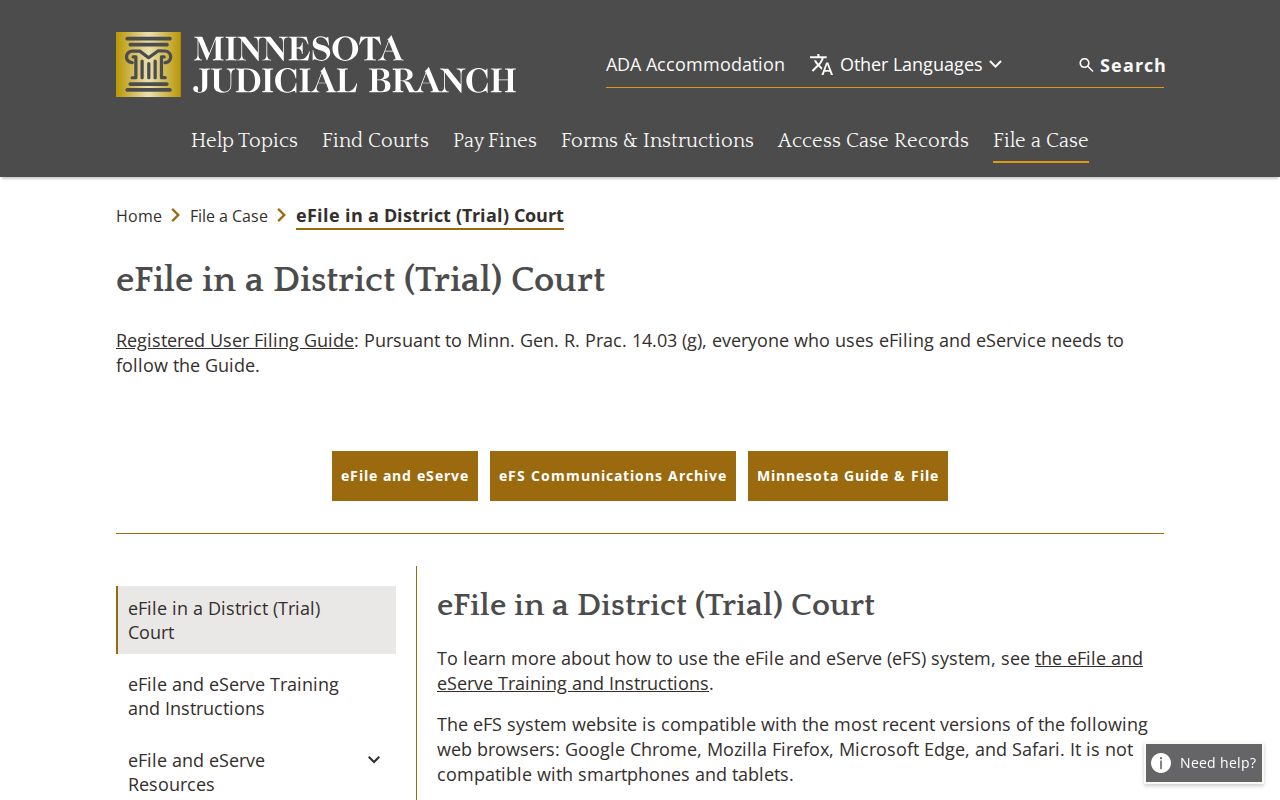
Minnesota eFile and eServe, usually shortened to eFS, handles filings and service. It is not the Chippewa County public case-search portal. Attorneys, government participants, and guardians ad litem face covered statewide filing requirements. Self-represented users file voluntarily. A party can submit a qualifying filing or request through eFS, but public case, document, hearing, and judgment searching belongs in MCRO. Keeping the two systems straight keeps a public lookup question out of a filing workflow.
Minnesota's eFile and eServe information describes the filing system and its redaction duties.
The distinction comes through clearly on the filing side. A logged-in route serves court submissions and service, while MCRO stays the public Chippewa County docket-search route. The Minnesota eFS landing portal shows the account-based entry point for that separate process.
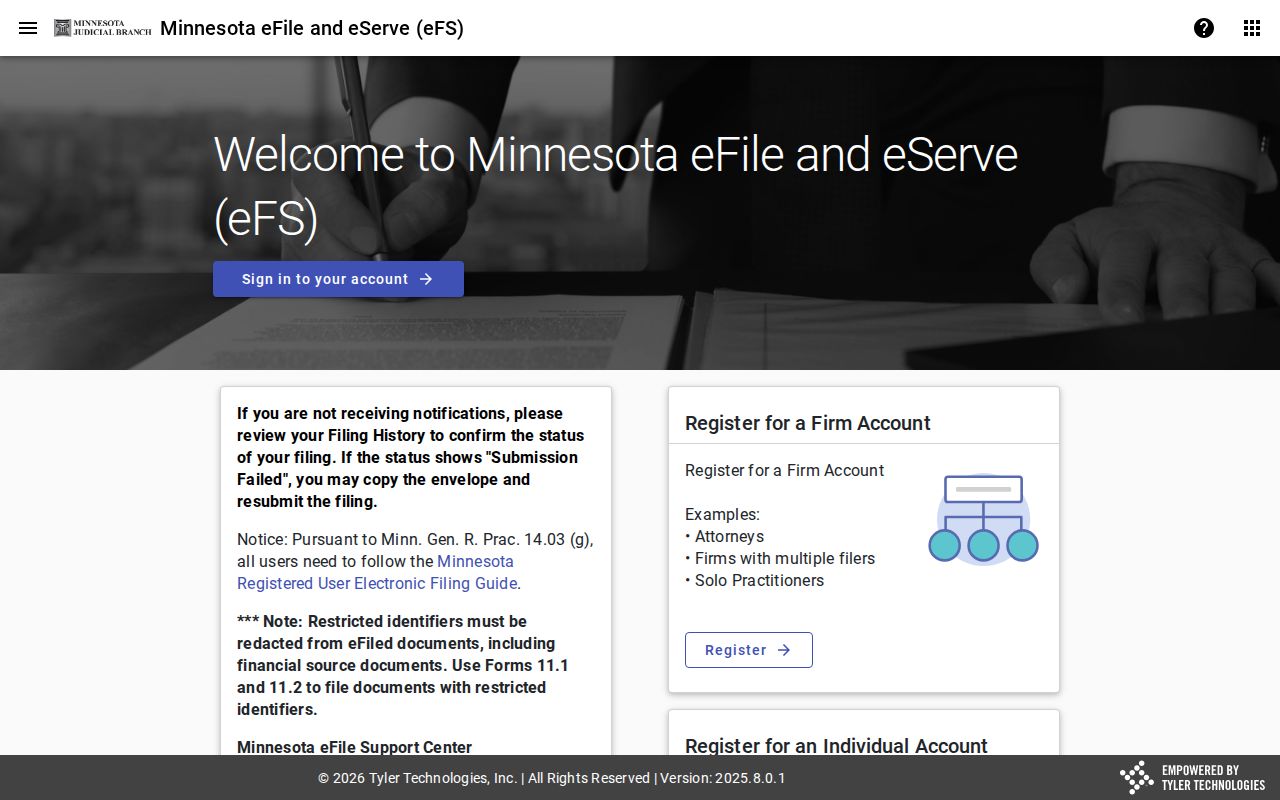
That account sign-in screen is a handy reminder. Do not substitute eFS for the public MCRO case lookup.